Filter Customers by Sales Channel
Use this filter when you only want to export customers assigned to one or more specific sales channels.
- Go to Export Jobs and create or edit a profile.
- Select Customer as the entity.
- Open Filters.
- Add a Sales Channel filter.
- Choose
saleChannelIdand select one or more sales channels.
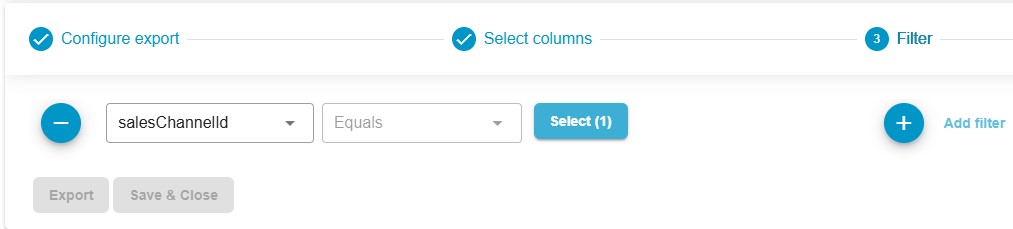
Only customers assigned to the selected sales channel(s) will be included in the export.
One common use case is exporting only B2B customers from a specific storefront.